
REVOPOINT / 3D Scanner Buying Guide
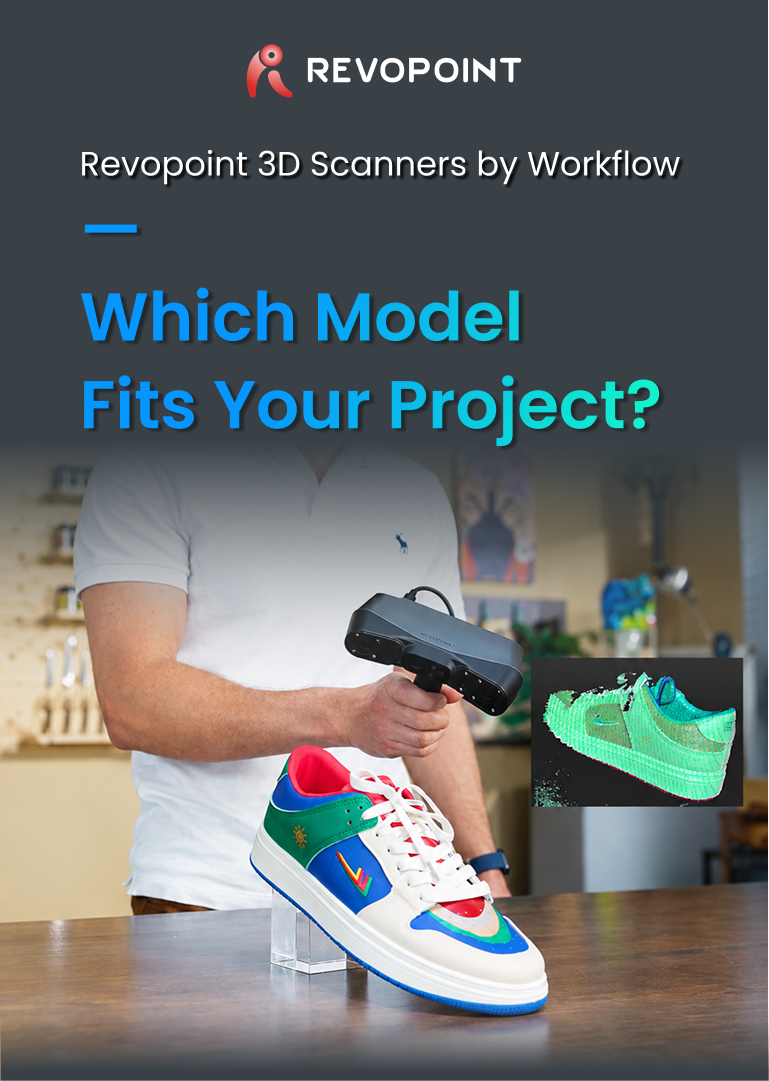
Choosing between REVOPOINT POP 4, MetroY Ultra and Trackit SR? Match your typical objects, scanning setup and final files to the right workflow.
A bracket on your desk and a vehicle frame in a workshop need different scanning setups. Choosing a REVOPOINT scanner starts with the objects you handle most often and the work you need to do after capture.
This guide compares three options available from Creality AU. Start with POP 4 for varied design and printing projects, consider MetroY Ultra when mechanical detail and measurement are central, and look at Trackit SR when the object needs to stay in place.
Compare the REVOPOINT range at Creality AUChoose by the work you do most often

REVOPOINT POP 4
Design, prototypes and 3D printing
Your next job may involve a different kind of object.
Read the guide
REVOPOINT MetroY Ultra
Small to medium mechanical parts
Geometry and dimensional checks drive the job.
Read the guide
REVOPOINT Trackit SR
Vehicles, frames and large assemblies
You need to walk around a fixed workpiece.
Read the guide01 / Mixed projects and everyday capture
POP 4 for design and 3D printing projects

A maker might digitise a decorative object one day and capture a housing for a prototype the next. REVOPOINT POP 4 offers several scanning modes for this kind of mixed workload, making it a useful starting point when your projects vary.
For a printing project, think about the entire path from capture to a printable model. You may need to remove unwanted surfaces, close gaps and check dimensions before preparing the file for slicing. A fit check also needs tolerances that suit the intended part.
Check the mode you expect to use before choosing your computer setup. POP 4 laser scanning requires markers and a PC; mobile-device support depends on the selected mode. Review package contents and any optional battery grip or software licence before ordering.
View REVOPOINT POP 4 packages02 / Mechanical detail and measurement
MetroY Ultra for detailed mechanical work

When holes, edges and mating surfaces matter more than visual appearance, REVOPOINT MetroY Ultra deserves a closer look. Its focus on small to medium workpieces suits reverse engineering, inspection and work that uses scan data as a reference for CAD.
For example, an existing component can be captured to help document its shape or rebuild a design around it. The scan supplies geometry; the next steps may include alignment, surface clean-up and reconstructing editable features in CAD software.
Define the dimensions and tolerances your project requires before selecting a package. Measurement software, licences and CMM accessories depend on the configuration. Confirm these items if your work involves inspection reports or formal dimensional checks.
Explore REVOPOINT MetroY Ultra03 / Vehicles and workshop assemblies
Trackit SR for large objects that stay in place

A vehicle, machine frame or tooling assembly can be awkward to reposition. REVOPOINT Trackit SR combines a handheld scanner with optical tracking, making it relevant when the operator needs to move around a workpiece that stays where it is.
Plan the workspace as carefully as the scan. The tracker needs a suitable view of the scanner, while the operator needs access to the surfaces being captured. Recesses and hidden faces can still require another angle or a staged capture.
Marker requirements depend on the workflow. Optical tracking can support marker-free capture, while standalone marker scanning and some alignment tasks use markers or reference points. Make sure you are comparing the Trackit SR package, as Trackit is a separate model.
View REVOPOINT Trackit SRCheck the whole workflow before you buy
- List your usual object sizes, surfaces and hard-to-reach areas.
- Decide whether you can move the object or need to work around it.
- Specify the final output: a printable mesh, an editable CAD design or a measurement report.
- Check the chosen mode, computer requirements, workspace and included software.
Choose your REVOPOINT scanner at Creality AU
Browse the REVOPOINT range at Creality AU to compare the available configurations. If you need help narrowing the choice, tell us what you scan, the approximate size and the files you need at the end of the job.
Shop REVOPOINT 3D scannersMore practical examples: REVOPOINT POP 4 in Action: Four Real-World 3D Scanning Applications
Images supplied by Revopoint and reproduced with permission.