Guides & Resources

Choose your topic, find your model and take the next step.

3D Printing

Set up your printer, check materials and improve your next print.

Explore printing →
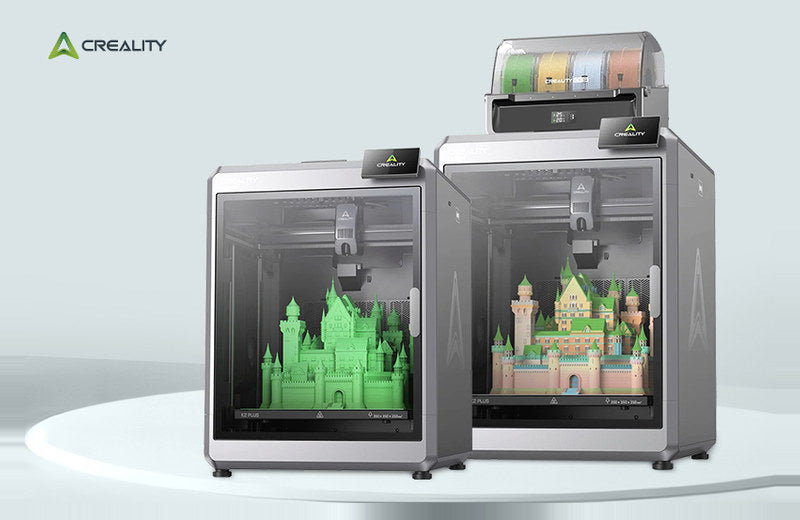
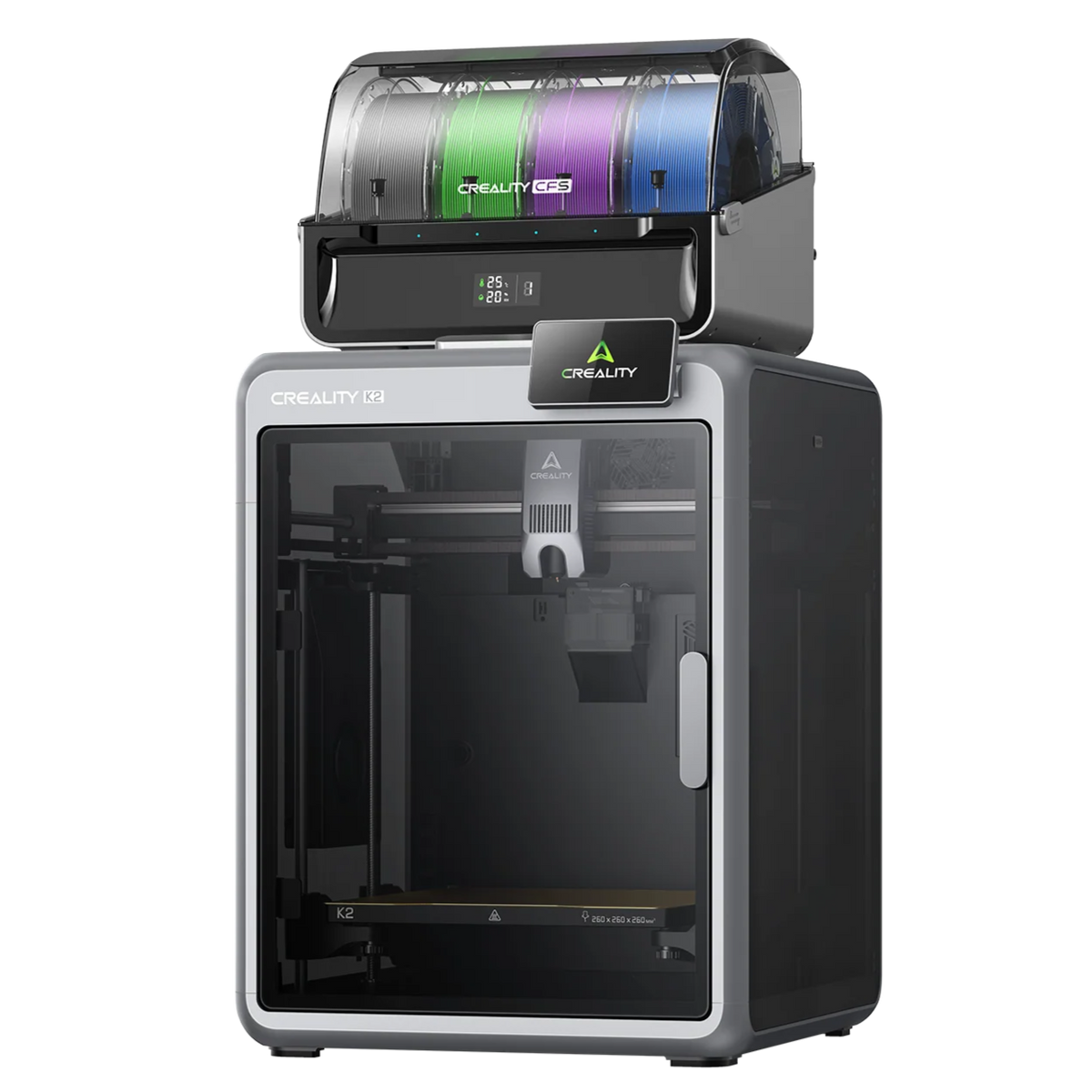
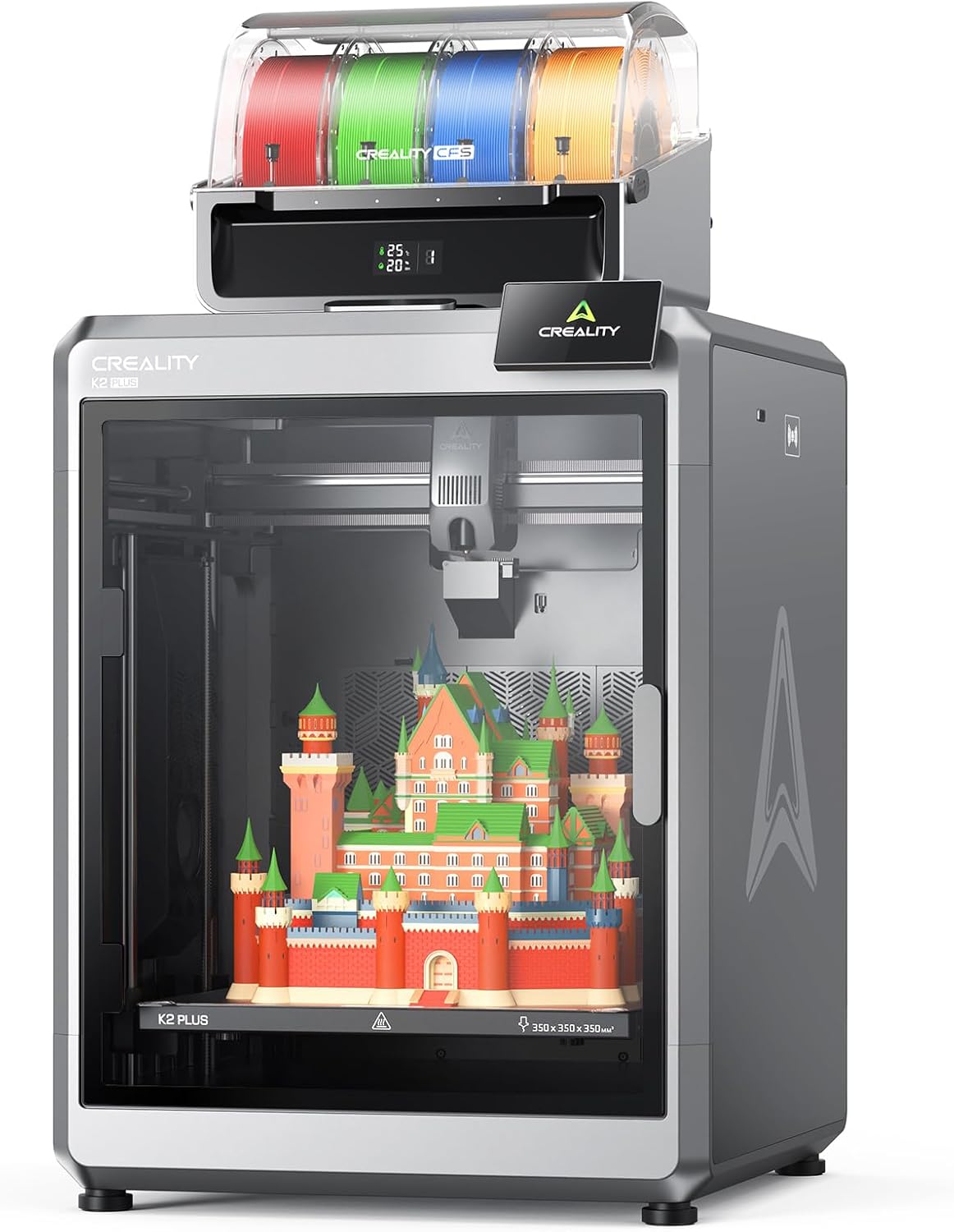
Creality K2 Plus family

3D Scanning

Choose a scanner, make your first scan or improve a project.

Explore scanning →
REVOPOINT scanner capturing an object beside a laptop

Already have a machine?

Go straight to guides for your brand or model.

Know what you need?

Search titles, summaries and model names in the current article library.

Useful places to start

A buying decision or a complete workflow, without browsing the whole library.

Buying locally with Creality AU

Local buying and store introductions, separate from technical learning.

Read about buying locally →

Historical articles & updates

Earlier product promotions, archived stories and store announcements.

Browse the archive →
Creality CR-Scan RAPTORX handheld scanner shown scanning a bird figurine.

CREALITY Wireless Scanning: Which Device Runs the Scan?

3D ScanningIvan Sheffield
Creality CR-Scan RAPTORX handheld scanner shown scanning a bird figurine.

CREALITY Wireless Scanning: Which Device Runs the Scan?

3D ScanningIvan Sheffield
Creality HALOT-X1 resin printer with a printed angel sculpture on a white background.

CREALITY HALOT-X1: Keep the Working Job Separate from STL

3D PrintingIvan Sheffield
Creality K2 3D printer with an accessory unit on a white background.

CREALITY K2 and K2 Pro: Match the File to the Filament Slots

3D PrintingIvan Sheffield
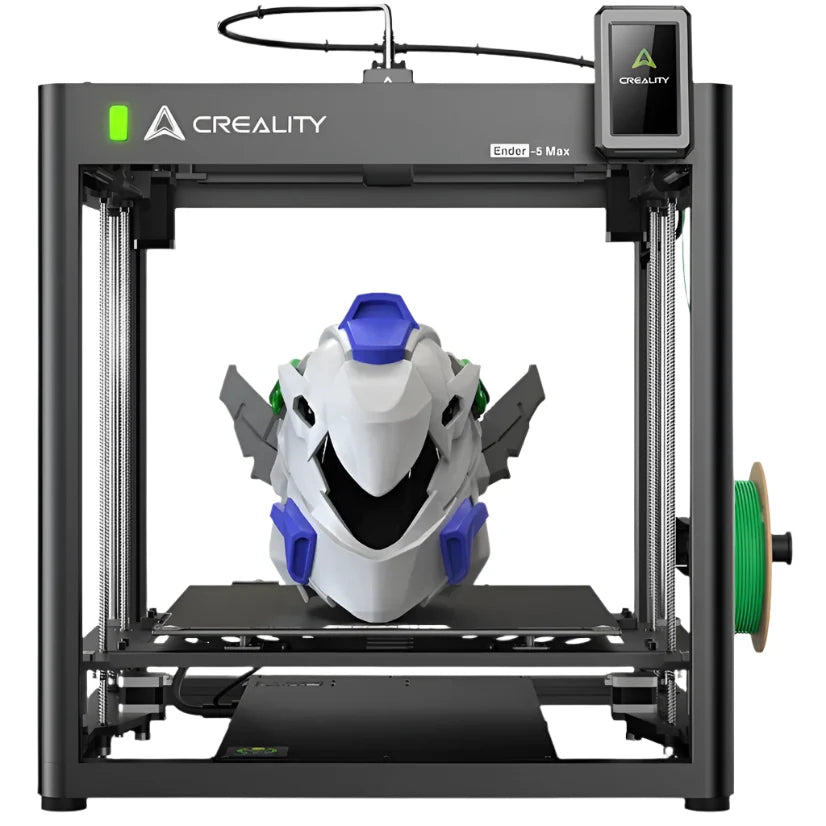
Black Creality Ender-5 Max printer with a multicoloured printed model.

CREALITY Ender-5 Max: First-Layer Condition Checks

3D PrintingIvan Sheffield
Creality SERMOON P1 scanning devices with a screen displaying a blue truck model, on a white background.

CREALITY Sermoon P1: Share a Project or a Finished Model?

3D ScanningIvan Sheffield
SPARKX i7 with CFS Lite shown in the Creality AU listing

CREALITY SPARKX i7: Identify Your Filament System First

3D PrintingIvan Sheffield
A black Creality K1 Max 3D Printer with a transparent side panel showing the interior structure and a printed object.

CREALITY K1 MAX: A Practical Filament-Change Checklist

3D PrintingIvan Sheffield