
REVOPOINT / How-to & tips
For a small workshop, the useful question is not simply how fast a scanner captures a part. It is whether the next person can identify the data, understand what was checked and use it for the intended design or inspection task.
Revopoint's manufacturing material presents MetroX and MetroY series scanners as part of a wider digital workflow. Start with one representative component and establish a documented routine before applying it to a whole batch.
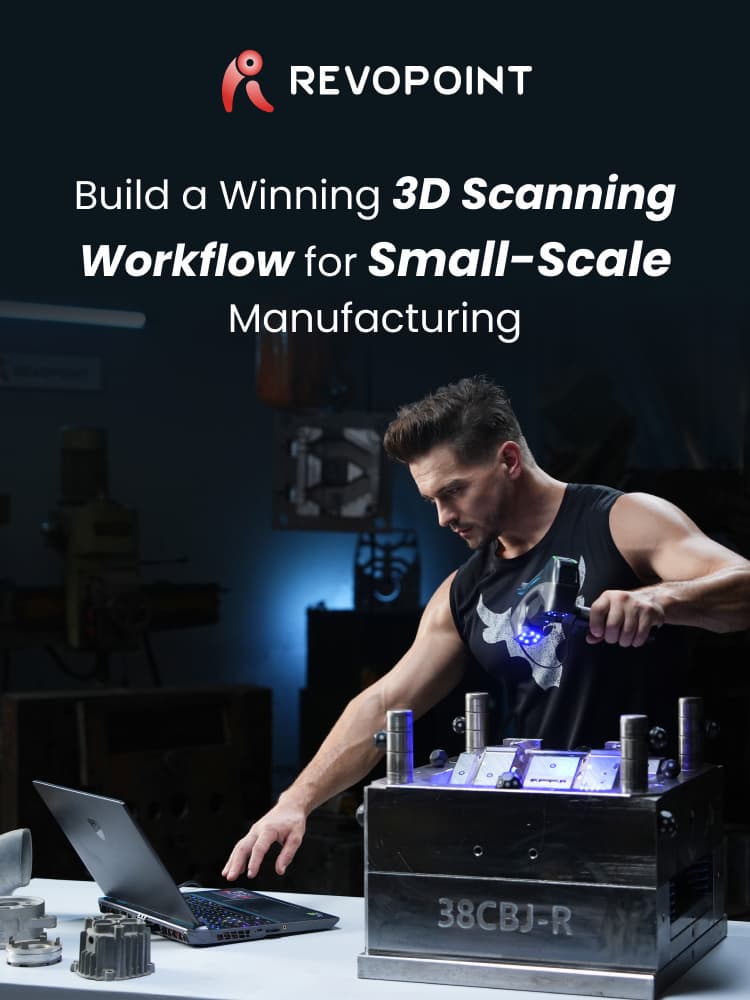
Cover: Supplier illustration introducing scanning as part of a manufacturing workflow.
1. Define the question before the capture
State whether the job is reverse engineering, comparison with CAD or archiving a component. List the surfaces and features that matter. A replacement bracket may need reliable mounting interfaces; an archive may need a complete overall representation.
Give the physical part and project a matching identifier, including revision where relevant. If dimensions will drive a decision, define the required checks and the reference method first. Do not decide acceptance criteria after seeing a convenient result.
2. Make preparation repeatable

Clean the part and choose a support or compatible turntable that holds it securely. Check access to recesses and mounting features before committing to the fixture. Document any surface preparation so the next operator does not have to guess.
Follow the calibration and setup checks for the selected scanner and mode. Record the relevant capture arrangement, including reference targets where required. MetroX and MetroY configurations are not interchangeable, so confirm the connection and accessory requirements of the actual equipment.
3. Check one part before processing the batch

Capture overlapping views and monitor the live data, particularly at the features named in the job brief. Add another angle where needed rather than assuming post-processing will reconstruct an unseen region.
Inspect the raw capture for missing areas, misalignment and doubled surfaces. Process a copy, then compare the important geometry with the physical part or appropriate reference. If the pilot fails, resolve the cause before repeating the same procedure across multiple components. Note which views were needed and where the fixture obscured the part, so a repeat job starts from an established method rather than a fresh experiment.
4. Hand over the right data and evidence
Keep the raw project, checked mesh and any downstream CAD or measurement result clearly separated. Record units, part identity, capture date and unresolved limitations. Reopen the export in the destination application to check that it is usable.
Choose software according to the task: Revo Measure concerns measurement and comparison, while Revo Design supports CAD reconstruction. Confirm formats, licensing and edition capabilities separately; neither is assumed included with every scanner.
Build your REVOPOINT workflow with Creality AU
A reliable pilot becomes a useful shop-floor instruction only when another operator can repeat it. Explore MetroX and MetroY, then match the complete workflow to your actual components.
View products and package optionsImages supplied by Revopoint and reproduced with permission. Supplier and community examples are not independent tests by Creality AU. Back to Guides & News