
REVOPOINT / How-to & tips
A thin object can present a broad face from one direction and almost disappear when viewed edge-on. That makes stable tracking and complete edge coverage more difficult than they first appear.
Revopoint's MIRACO demonstration addresses this with secure positioning and a separate, feature-rich reference. The practical aim is to keep the scan spatially consistent while collecting enough views to represent the real part, not to hide missing capture with a smooth mesh.
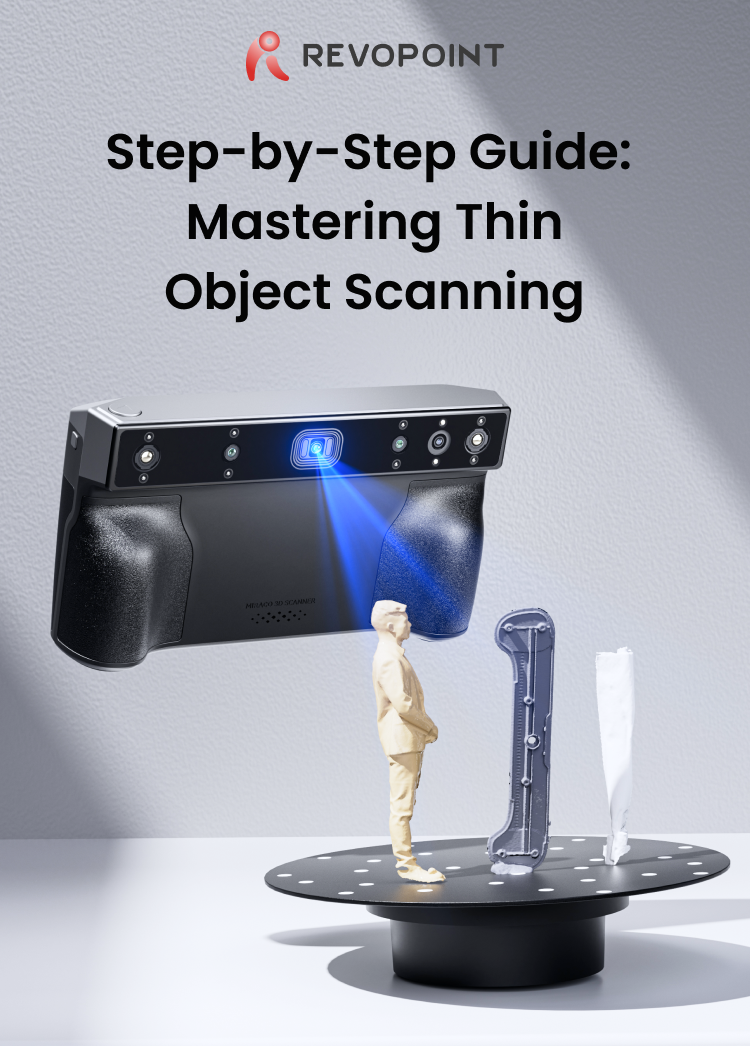
Cover: Supplier overview of the thin-object capture and processing method.
1. Secure the part without hiding its edges

Mount the object firmly on the turntable using a suitable removable support. Check that it cannot wobble, slide or flex during rotation. Keep the background uncluttered so it is easier to identify unwanted data later.
Position a reference with distinctive geometry beside the part. Its useful features should remain near the scanning height and visible through the rotation. Leave enough separation to avoid blocking the thin object's outline or merging the support into an important edge.
2. Confirm tracking before a complete rotation
The supplier example uses feature-based tracking and a geometry-focused setup. Check the corresponding options in your MIRACO version, then make a brief trial pass. The reference and the thin part should remain in a consistent relationship on screen.
If colour is not needed for your project, a geometry-only capture can keep the workflow simpler. Do not treat a higher quality label as a substitute for stable capture. Stop if the part or reference begins producing duplicated or drifting surfaces.
3. Check both faces and the perimeter

Allow a controlled rotation while monitoring coverage. Pay particular attention as the part turns edge-on, when very little surface is visible. Keep the reference in view and avoid changing the arrangement during the pass.
Inspect the result from the front, back and along its edge. If one face, the support contact area or a recess is missing, capture another suitable view. Plan enough shared geometry for alignment, and check the join before removing the reference data.
4. Preserve thickness during processing

Keep an untouched project, then remove the support and reference carefully. Choose point spacing that retains the detail you need without assuming the smallest value improves dimensional accuracy. Review the fused cloud before meshing.
Check that opposite faces have not been joined incorrectly and that thin edges have not been rounded away. Fill only holes you can justify from the object's actual geometry; a genuine opening must stay open. Reopen the export and compare a known dimension before using it for CAD or printing.
Build your REVOPOINT workflow with Creality AU
The reference improves the opportunity for stable tracking; it does not remove the need for clear sight lines and complete capture. Explore the REVOPOINT MIRACO and assess your thinnest required feature before planning a production workflow.
View products and package optionsImages supplied by Revopoint and reproduced with permission. Supplier and community examples are not independent tests by Creality AU. Back to Guides & News